G4520G6 firmware process
Web GUI mode: CPLD -> BMC -> BIOS
BMC Out of band (Redfish/BMC Web) :
CPLD: *.jed.tar (System need power off.)
BMC: *_full.bin / *_partial.bin (Power on/off both can be updated.)
BIOS: *.bin.tar.gz (System need power off.)
CPLD:
Firmware ->


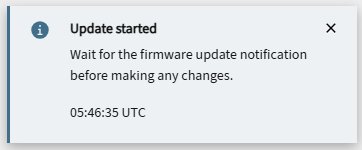
BMC


Note: BMC ip will change after BMC firmware update while firmware upgrade to v1.02.(DHCP mode)
EFI mode: BMC -> BIOS
1.

No comments:
Post a Comment