
Why Can I Only See Half Memory Capacity (384GB) in R2513G6?
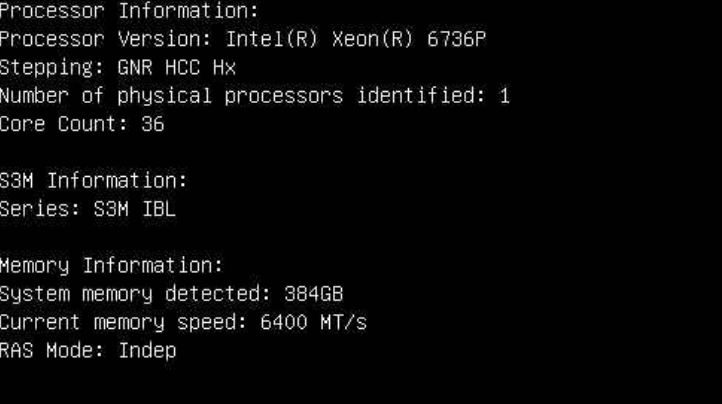
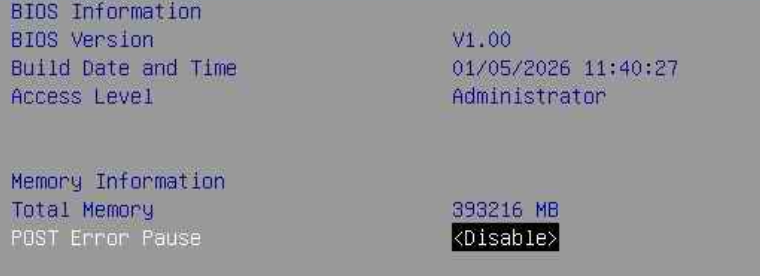
Question: I’ve installed 768GB (96GB x8) in an R2513G6 system. Why can I only see half the memory capacity (384GB)?
Answer
This symptom may be caused by one or more defective memory modules.
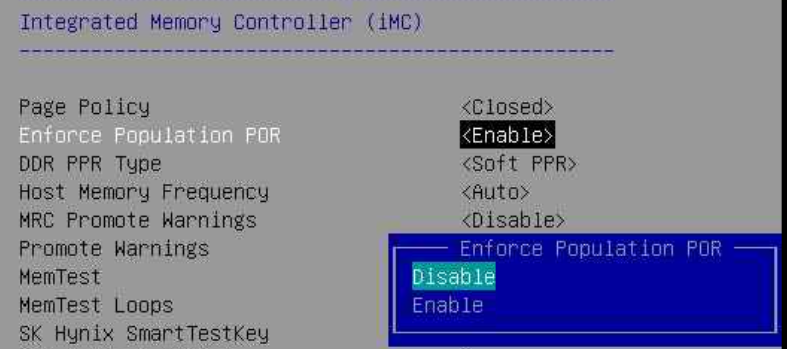
Please boot the R2513G6 into BIOS and change the following BIOS setting:
Socket Configuration → Memory Configuration → Enforce Population POR
Change this setting from Enabled to Disabled.
Result
After saving and restarting the R2513G6, you’ll see that one 96GB memory module is now reported as missing.
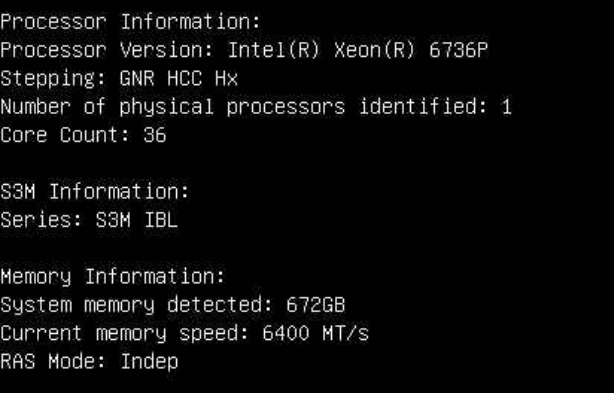
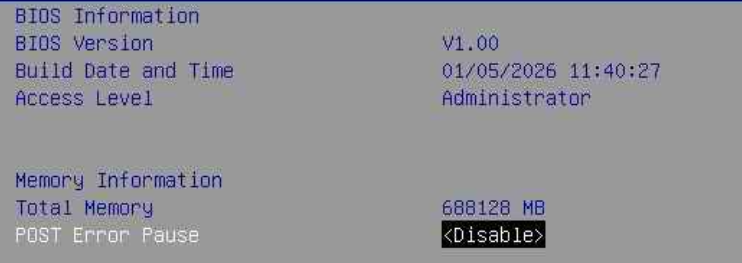
You can then check Memory Topology to identify which memory module is missing (in this case, P0_CHH_DIM0). This event can also be found in the BMC event log.
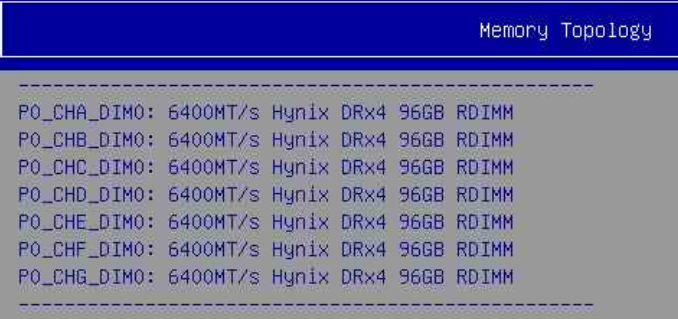

Summary: With Enforce Population POR enabled, a defective DIMM can cause the BIOS to silently disable an entire memory channel/region as a safety measure, resulting in only half the installed capacity being reported. Disabling this setting allows the system to boot with only the specific defective module excluded, making it visible in both the memory topology and BMC event log — which lets you pinpoint exactly which DIMM needs to be replaced.